Install the Mac companion
Download owodex Agent and open it on the Mac that already has your Codex setup.
 Get the Mac app
iPhone control surface for local Codex
Control Codex on your Mac from your iPhone. Install owodex Agent on the Mac, scan its QR code in the iPhone app, and keep your real project sessions moving.
Pairing
The QR code is created by owodex Agent on your Mac. The iPhone app scans that code so it knows which machine should receive Codex prompts.
Download owodex Agent and open it on the Mac that already has your Codex setup.
owodex Agent opens a local browser page with a pairing QR and connection details.
Open the iPhone app, tap Machines, scan the Mac QR, then return to Chat.
Activity
Owodex mirrors the app’s approval surface on your phone: inspect activity, send work back, or approve when the paired Mac is ready.
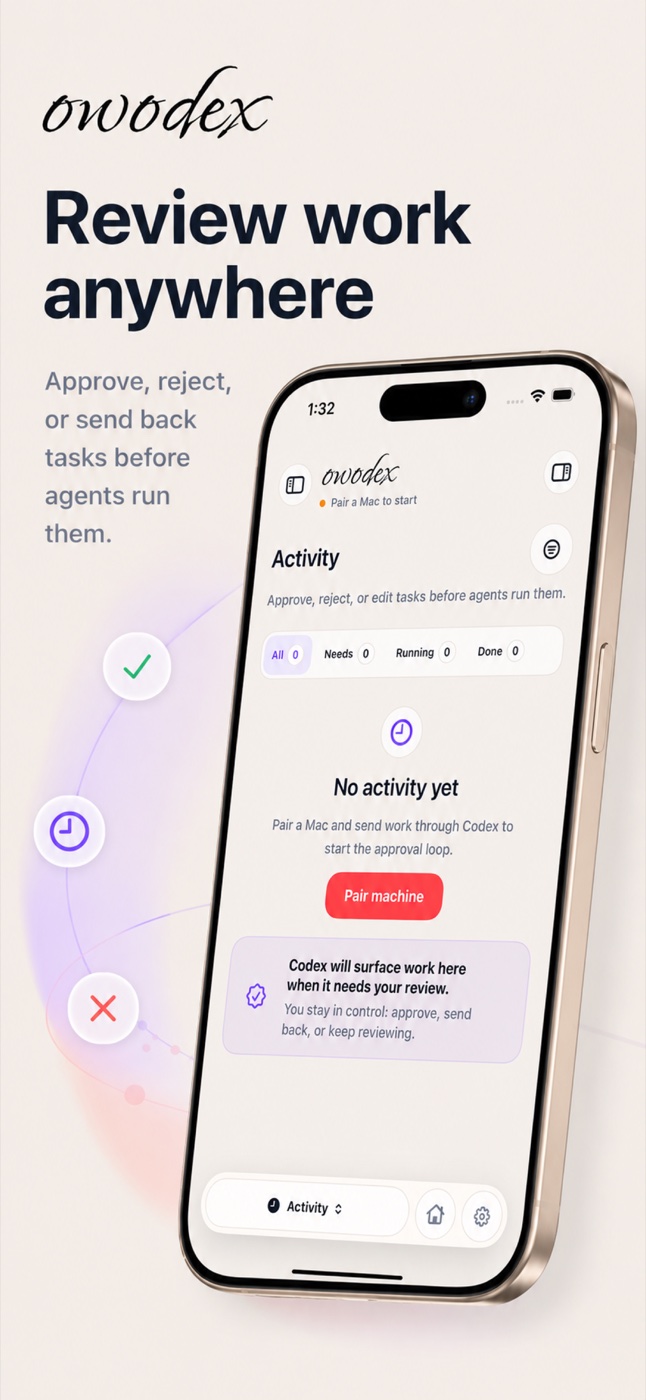
Waiting, running, and done states use the same pill controls reviewers see in the app.
The Mac keeps the Codex session local while owodex handles steering and review.
Output cards, diffs, and activity surfaces keep control explicit before work continues.
Downloads
owodex needs the iPhone app for control and owodex Agent on macOS for the local bridge.
iPhone
Use the iPhone app to scan the Mac QR, choose a machine, and chat with Codex.
App Store app
Get owodex on the App StoreInstall owodex, open Machines, then scan the QR from owodex Agent on your Mac.
macOS
Run this on the Mac that should host Codex, expose the pairing QR, and receive prompts.
Download available
Download owodex AgentOpen the Mac companion, keep the QR page visible, then scan it from Machines in owodex.
What runs where
FAQ
The app needs a Mac running owodex Agent before it can send prompts into Codex.
Open Machines in the iPhone app, tap Scan QR, and point the camera at the page owodex Agent opened on your Mac.
Yes. Use a LAN address or Tailscale address that your iPhone can reach.
No. owodex is the phone control surface and Mac bridge for the Codex setup you already use.